Navigate
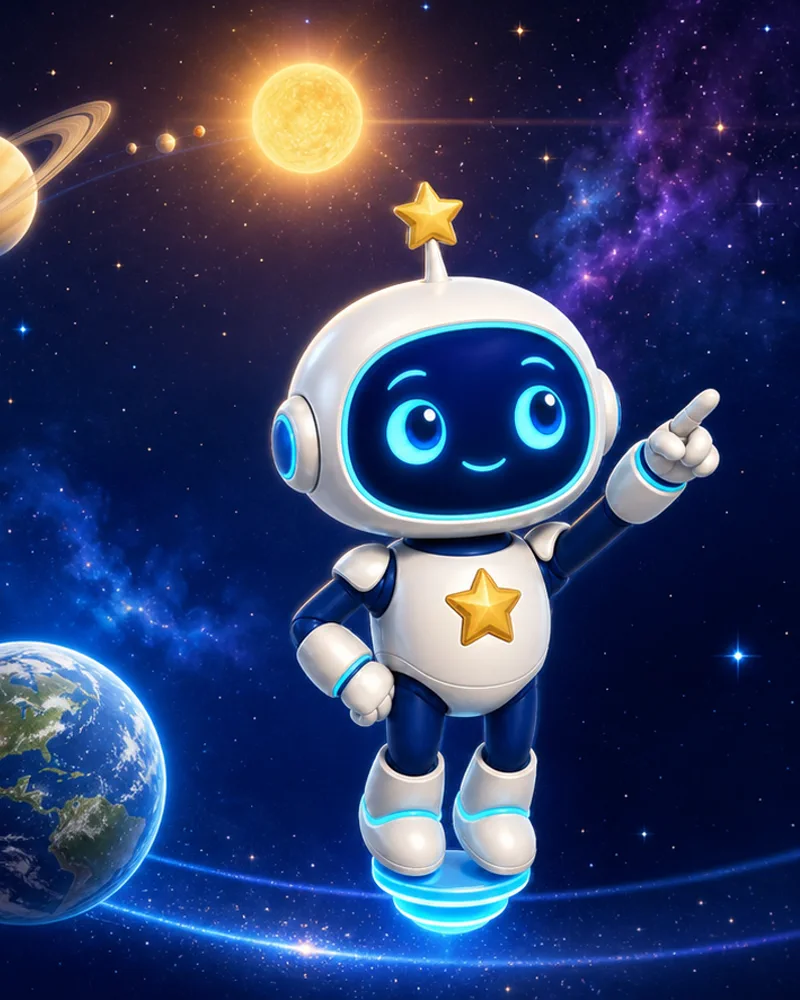
Your first mission starts here
A solar system game for curious kids.
Fly from Earth to Neptune, answer colorful planet questions and collect every world in your Cadet Log—with Lumi cheering beside you.
- No install
- No account
- Progress saves locally
144space questions
8mission stops
10world stickers
3mission stars
Learn by exploring
Space becomes a world kids can touch.
Orbit Academy is an educational solar system game built around discovery instead of memorizing a list. Children travel through a living 3D space map, identify worlds and use visual clues to solve astronomy questions.
Every answer adds a short, memorable fact. Questions range from planet order and moon phases to gravity, comets, telescopes, space stations and famous missions—so each trip builds a bigger picture of our place in space.
Solve
Visual questions and clues
Child-friendly illustrations turn astronomy ideas into pictures children can observe and reason about.Progress
Missions with three goals
Accuracy, quick thinking and hint-free navigation each earn their own mission star.Collect
Stickers, badges and ranks
Fill the Cadet Log, choose useful upgrades and rise from Cadet to Galaxy Admiral.Inside the game
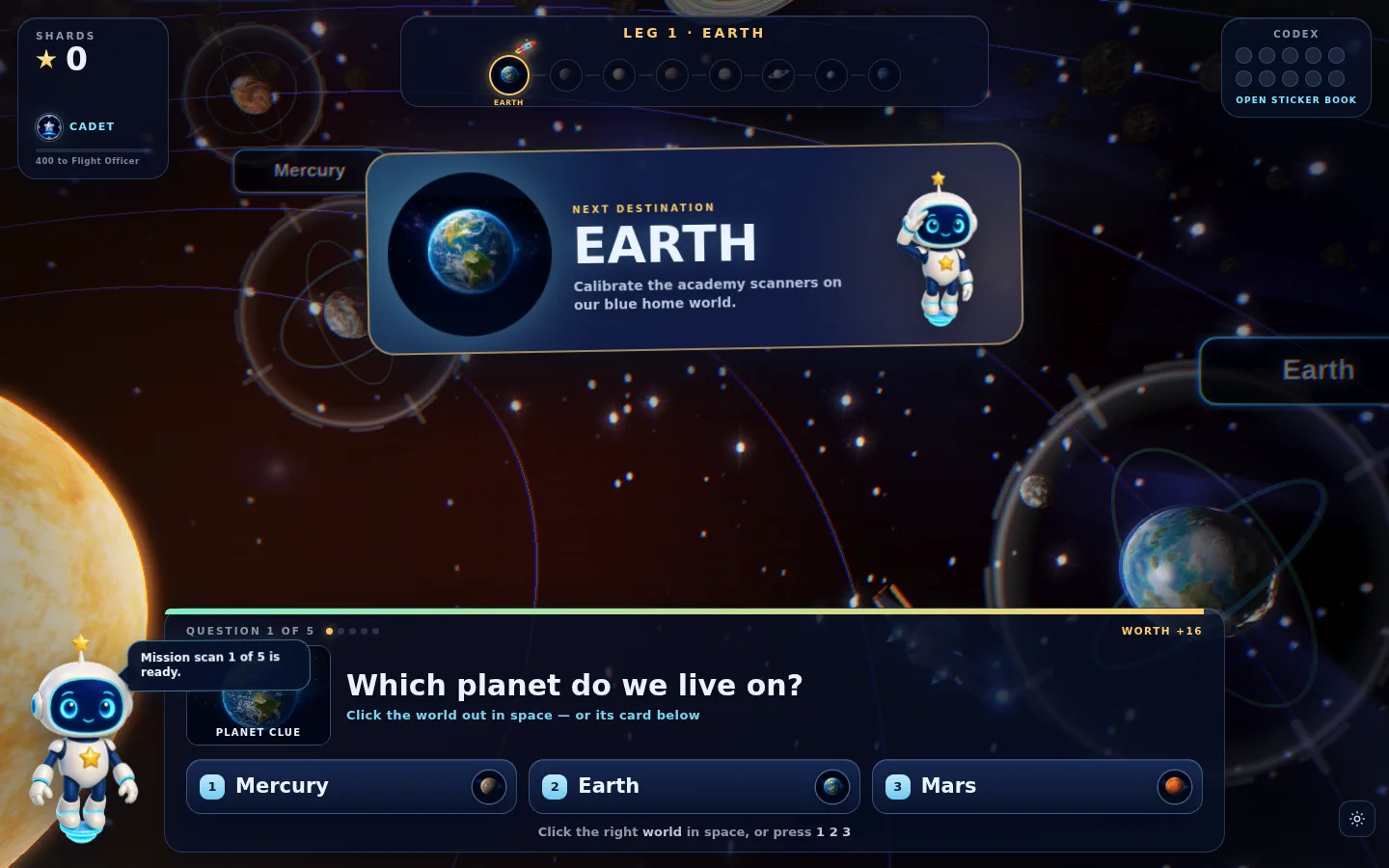
Look around. Think it through. Pick your answer.
The solar system is not just a backdrop. Worlds, orbit paths and the mission route are part of the challenge while a clear question console keeps every choice easy to read.
Meet your mission buddy
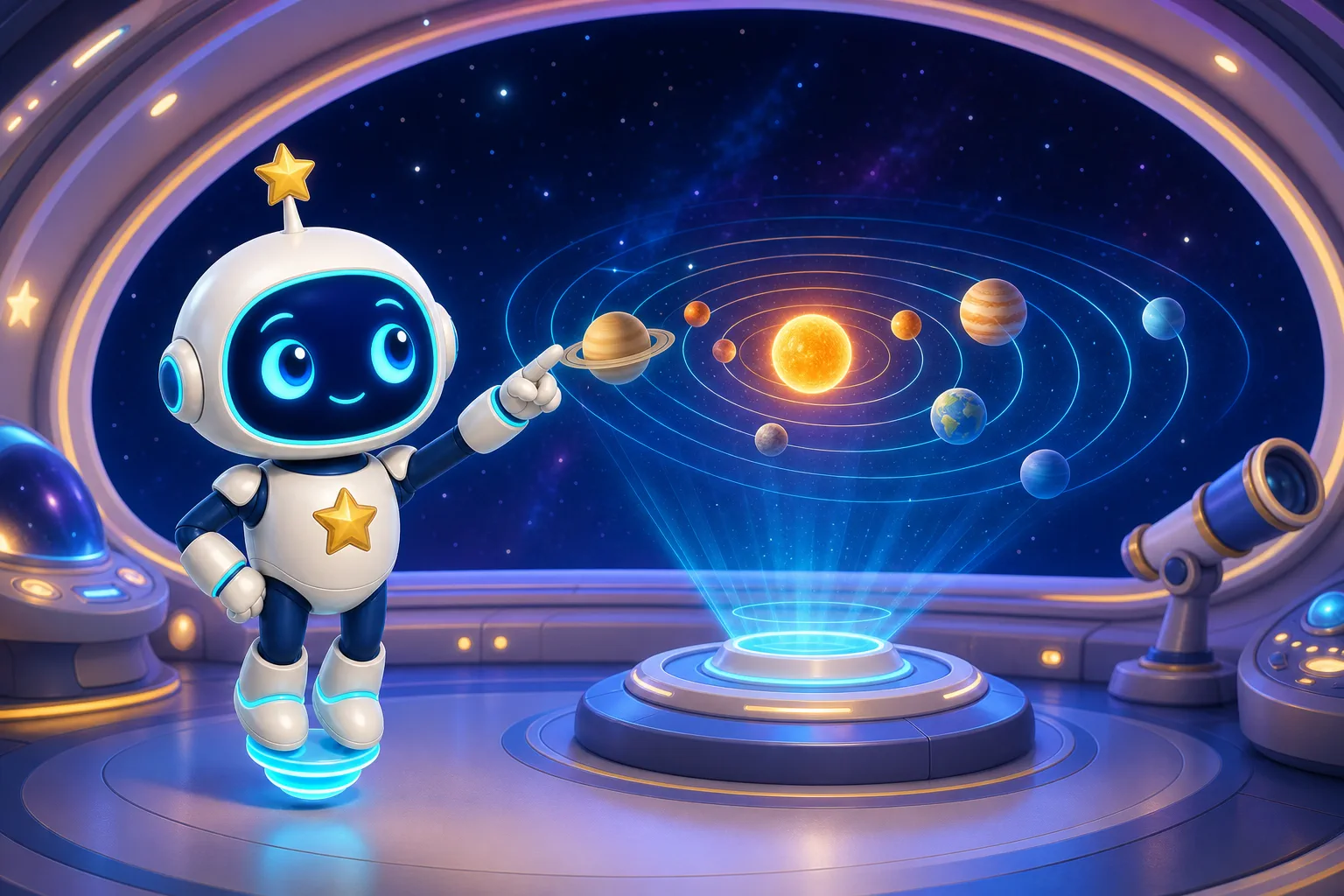
Lumi makes every answer feel like progress.
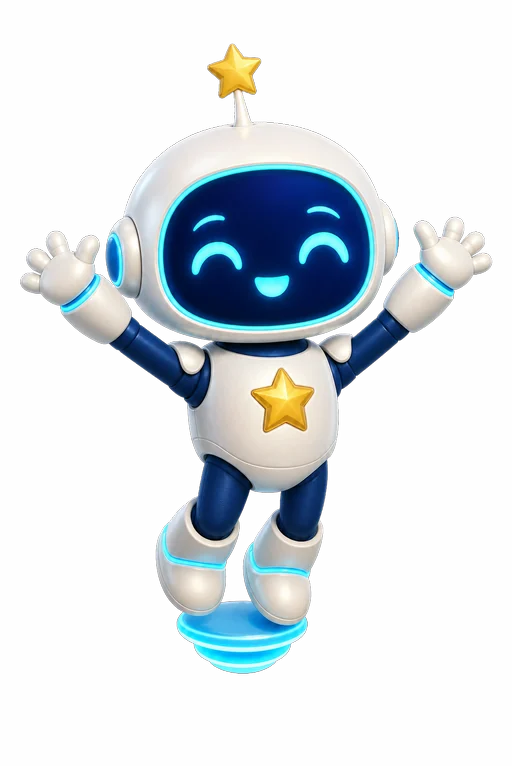
Lumi is a friendly academy guide with a reaction for every part of the journey. A correct answer brings a cheer. A difficult question gets a thoughtful nudge. A new rank earns a proud salute.
- Clear encouragementShort messages support children without interrupting the question.
- Helpful reactionsEight expressive poses make feedback instantly understandable.
- One familiar companionThe same consistent mascot stays with the player from first launch to final rank.
A reason to keep exploring
Every mission leaves something behind.
Stars show how a mission went. Shards unlock academy upgrades. Stickers record each discovered world. Ranks make the full journey visible without turning learning into pressure.
Vision badge
Telescope
Bring worlds closer so they are easier to see and select.
Reward badge
Star Rain
Earn 50% more star shards for every right answer.
Insight badge
Star Chart
See a faint shimmer around the right answer if you get stuck.
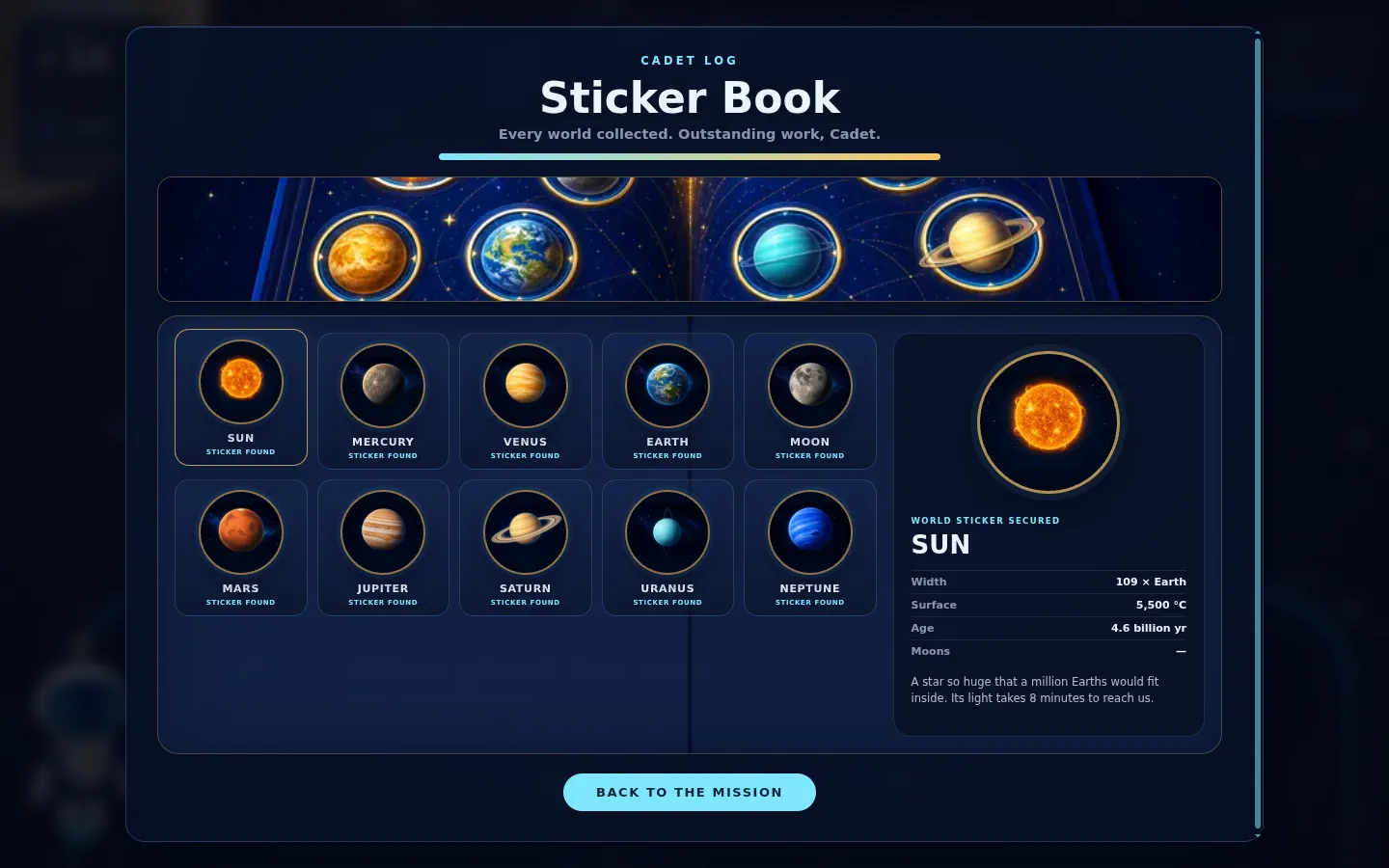
Your Cadet Log
Collect the Sun, Moon and every planet.
Discovering a world unlocks its illustrated sticker and an astronomy fact. The complete collection becomes a compact solar system reference children built by playing.
10worlds to collect
5academy ranks
6upgrade badges
Made for young explorers
A calm space adventure for children and families.
Orbit Academy keeps the mission focused: observe, choose, learn and continue. There is no chat, advertising or account wall inside the game.
Ready in the browser
No installer or launcher. Open the game and begin the first Earth mission.
Local progress
Stars, ranks, badges and stickers stay saved in the browser on that device.
Flexible graphics
Quality controls include a lighter option designed for school laptops.
Repeatable practice
A large question pool keeps return missions varied while familiar systems build confidence.
Cleared for launch
Three steps to a new space fact.
- 1
Launch from Earth
Meet Lumi, open the route and see which world is next.
- 2
Explore and answer
Use the 3D map, illustrated clue and answer cards to solve each question.
- 3
Log the discovery
Earn mission stars, choose an upgrade and add another sticker to the Cadet Log.
Before takeoff
Questions from the launchpad.
Everything families need to know before beginning a mission.
What do children learn in Orbit Academy?
Orbit Academy introduces planets, moons, orbits, space missions and wider astronomy concepts through visual questions, short facts and a 3D solar-system journey.
Is Orbit Academy free to play?
Yes. Orbit Academy is free to play in a modern web browser.
Do I need to install the game or create an account?
No. The game launches in the browser without an installer or account.
How is progress saved?
Mission progress, shards, ranks, badges and collected stickers are stored locally in the browser on the device being used.
Which devices can run Orbit Academy?
Orbit Academy works in modern desktop and mobile browsers with JavaScript and WebGL. A lighter graphics setting is available for school laptops.
The launchpad is open
Ready to earn your first mission star?
Start at Earth, follow the orbit route and see how much of the solar system you can collect.